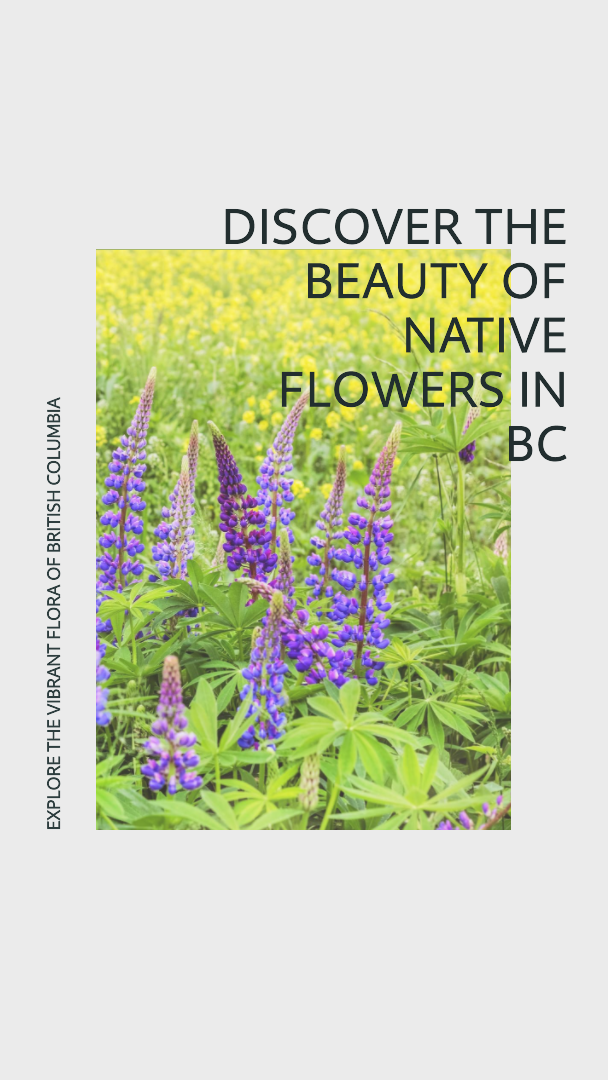
Unfortunately, this week I missed class because it was thanksgiving weekend and I went home to see my family! However, I talked to some friends about what was covered in class content and they all mentioned using Microsoft Designer as an AI tool in order to create easy and aesthetic banners and images! So I tried it myself and it was a super simple tool to use!
All you do is type in what type of image/banner you would like to create and it generates a couple of simple designs that you can edit. I tried a couple of different prompts to see what AI would create and I ended up choosing a design related to native flowers in BC. Since this is related to my free inquiry project, I thought it was fitting. The only thing I changed about the image was the background colour. AI originally gave me a light green background colour, which I thought was nice, but I changed it to a light purple because I thought it fit the flower image better.
This is such an awesome tool to use in the classroom. It reminds me of similar websites such as “Canva“. Both Microsoft Designer and Canva are simple to use and help you create simple images/banners/posters that are aesthetic. I also think that they are user friendly and can easily be taught to students, so that they can create their own fun images!
Leave a Reply
You must be logged in to post a comment.